 GivHome
GivHome for Homebridge
Keep battery energy for the house while your EV charges
GivHome helps protect your valuable house battery from draining into your EV during Intelligent Octopus Go smart charging.
Why a cheap EV charge can use your stored energy
Your inverter can see EV charging as another household load. It may discharge the house battery to supply the car, even when Octopus has scheduled a cheap grid charging period. That uses energy you wanted to keep for the house.
How GivHome helps
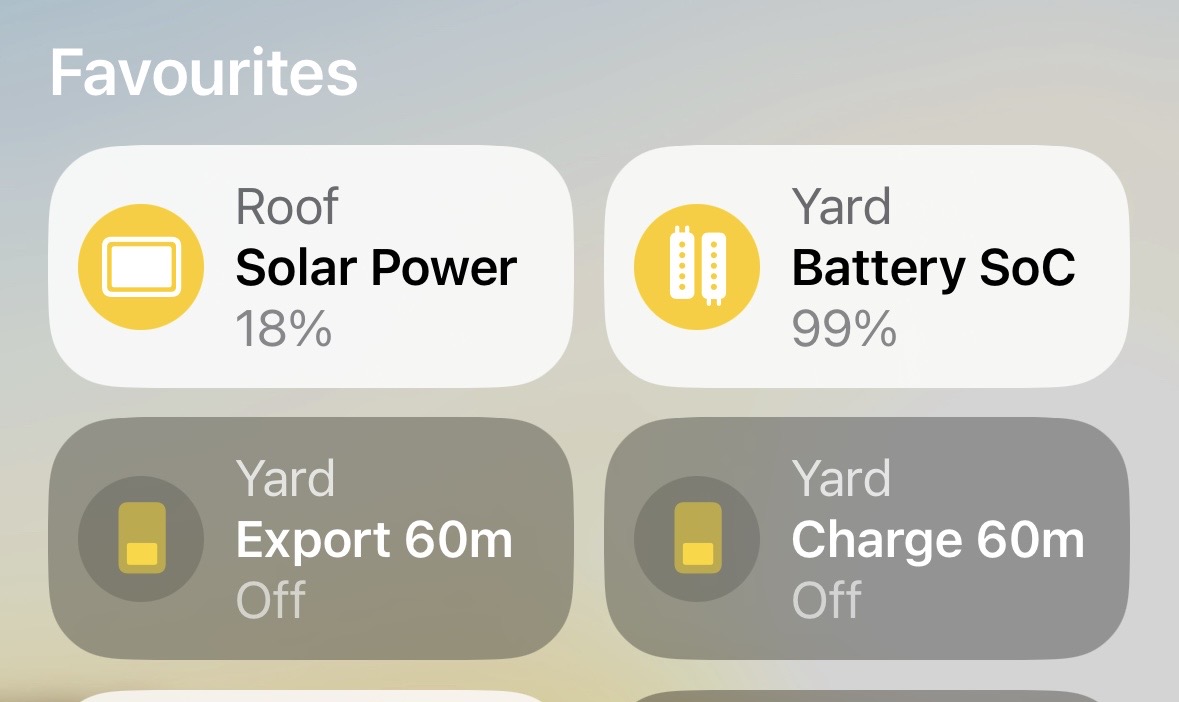
GivHome reads planned dispatch slots from Intelligent Octopus Go. It shows these smart charging periods as a Smart Window in Apple Home and can use supported local battery controls to protect your stored energy during them.
This includes additional smart slots outside your normal overnight period. GivHome follows Octopus scheduling information; it does not assume every increase in household load is an EV charging session.
What you need
- A compatible GivEnergy system connected to GivHome through Homebridge.
- Intelligent Octopus Go and the relevant Octopus account settings configured in the plugin.
- The appropriate battery-protection settings and supported inverter controls.
Start with accurate local battery readings and review the current plugin documentation and settings before enabling automation. If you are new to GivHome, follow the Apple Home setup guide first.
Your overnight charging still has its own job
Cheap Overnight works towards your saved Charge Target during the low-rate period you configure. It can run without Intelligent Octopus Go.
When your configured overnight period and an Octopus Smart Window overlap, Cheap Overnight takes priority. After it finishes, GivHome can hand over to IOG protection if a suitable Smart Window is still active. Charge-mode IOG protection also uses your saved Charge Target.
Check the first session
- Confirm GivHome has sensible battery readings and the correct inverter serial number.
- Configure Octopus and check the reported Smart Window against the scheduled EV charging period.
- Enable the appropriate supported protection settings.
- Observe a smart charging session and check how your battery behaves before relying on unattended protection.
Know the scope
Protection depends on Octopus dispatch information, your settings and the controls supported by your inverter. It is not a guarantee for every EV charging session, especially charging outside recognised smart periods.
Different inverter models and firmware can behave differently. On some CH/AIO systems a separate scheduled AC charging limit can also restrict the target reached during charging. GivHome reads and reports that limit but does not automatically change it.
GivHome is an independent project, not an Octopus or GivEnergy product. Read the compatibility and charging FAQs for more detail.